I am soon starting lessons on how to create an android app. I do not want to repeat these steps in each and every lesson.
Step 1: First of all, Download and install Android studio.Step 2: After the install is finished, Open the Android Studio, and click on ‘Start a new android project’
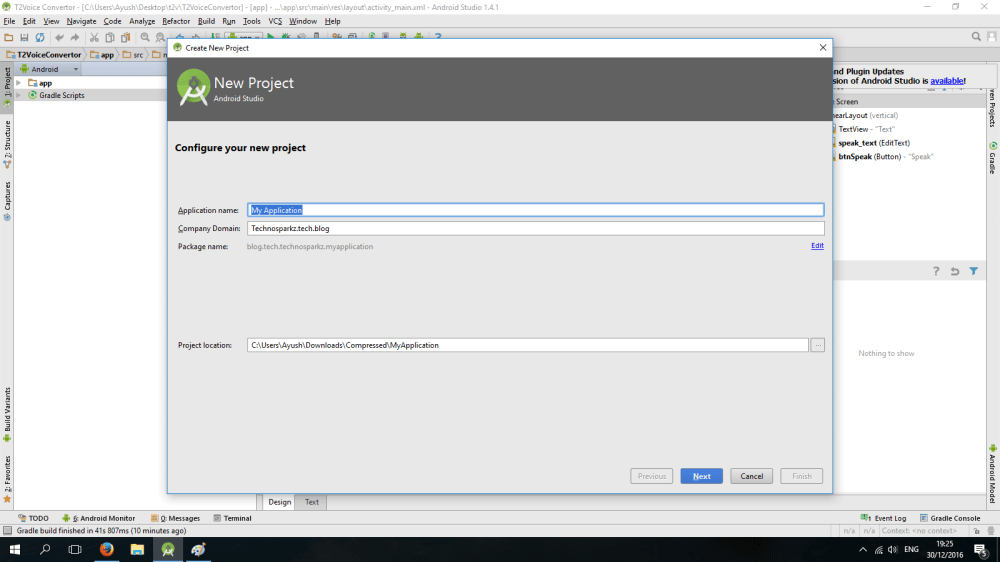
Step 2:Enter the name and domain for your Application.(In my case, it’s technosparkz.tech.blog)CLick on next.
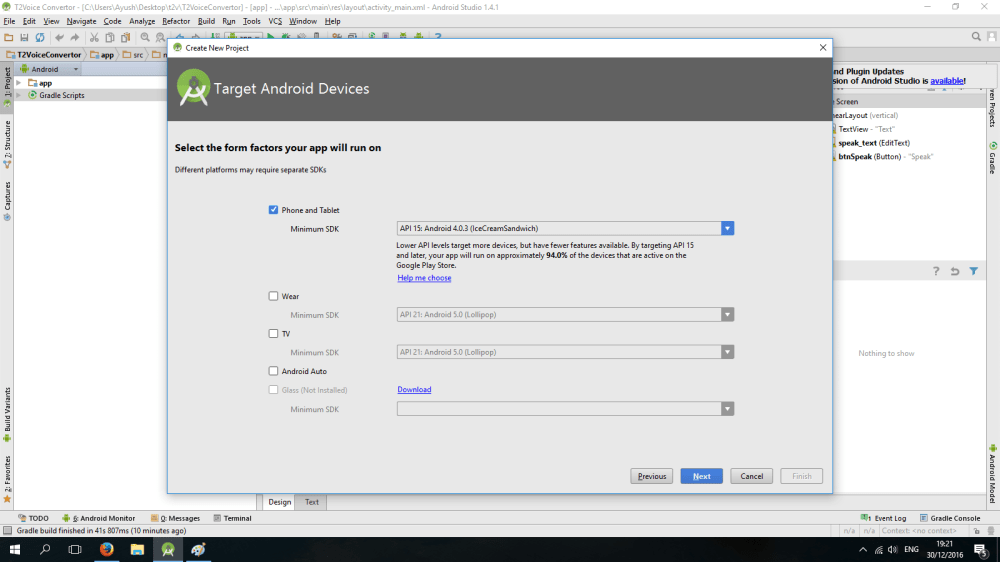
Step 3: Select the minimum SDK, for your android file(Minimum supporting android version for your file). SDK stands for Software development kit. As you go down in ‘Minimum SDK’, there are lesser options available for your Android App.
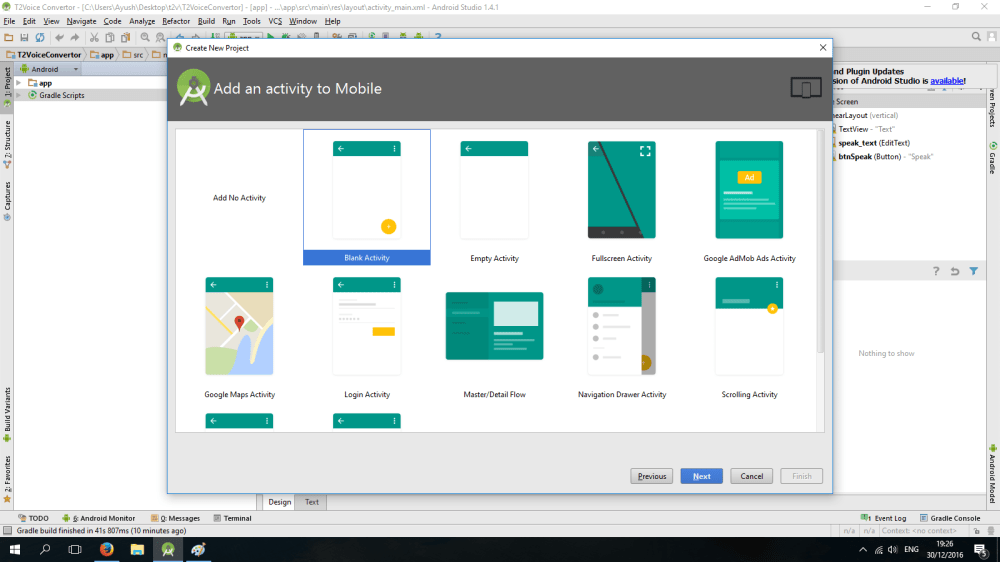
Step 4: Select any activity as you wish, but I recommend you to use Blank activity as we can make our custom codes and are not supposed to do any changes as we want.
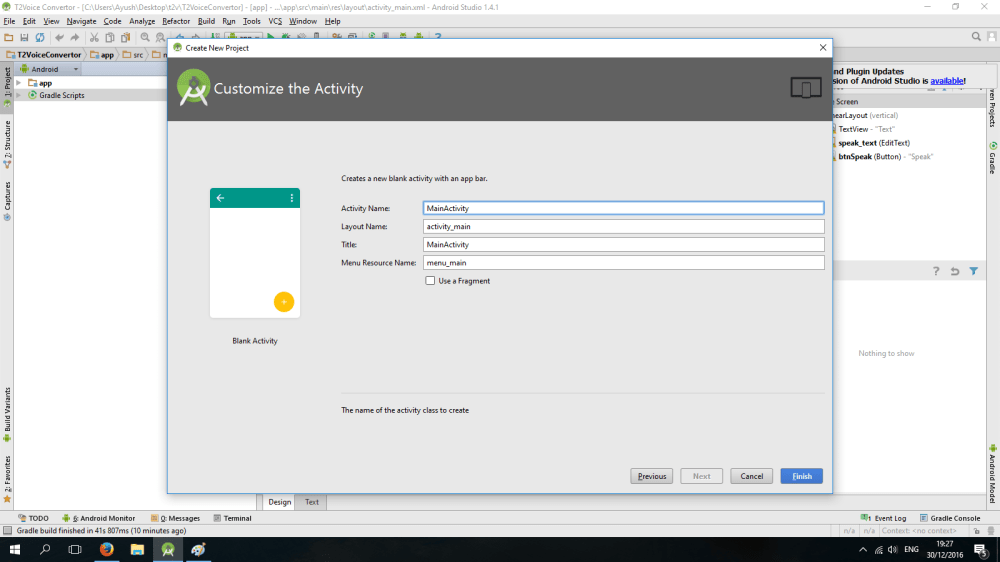
Step 5: In the next step, don’t mess up with these things, and hit next.
That’s it, wait for some time and continue to the lesson.

 TechnoSparkz
One Comment Add yours